T-shirts have evolved from humble undergarments to iconic pieces of fashion that allow individuals to express their style and make a statement. If you’re looking to create your own custom-designed T-shirts, this comprehensive guide will take you through the entire process—from conceptualizing your design to bringing it to life through professional printing techniques. Get ready to unleash your creativity and transform your ideas into wearable works of art. There are various shops offering t-shirt printing services, allowing customers to create their own custom designs and styles.
Planning Your T-shirt Design
Before diving into the world of T-shirt printing, it’s essential to plan and conceptualize your design. Here are some key steps to consider:
1. Define Your Objective
Start by clarifying the purpose and objective of your T-shirt design. Are you creating shirts for a specific event, promoting a brand, or expressing your personal style? Understanding your goal will help you make design decisions that align with your objective.
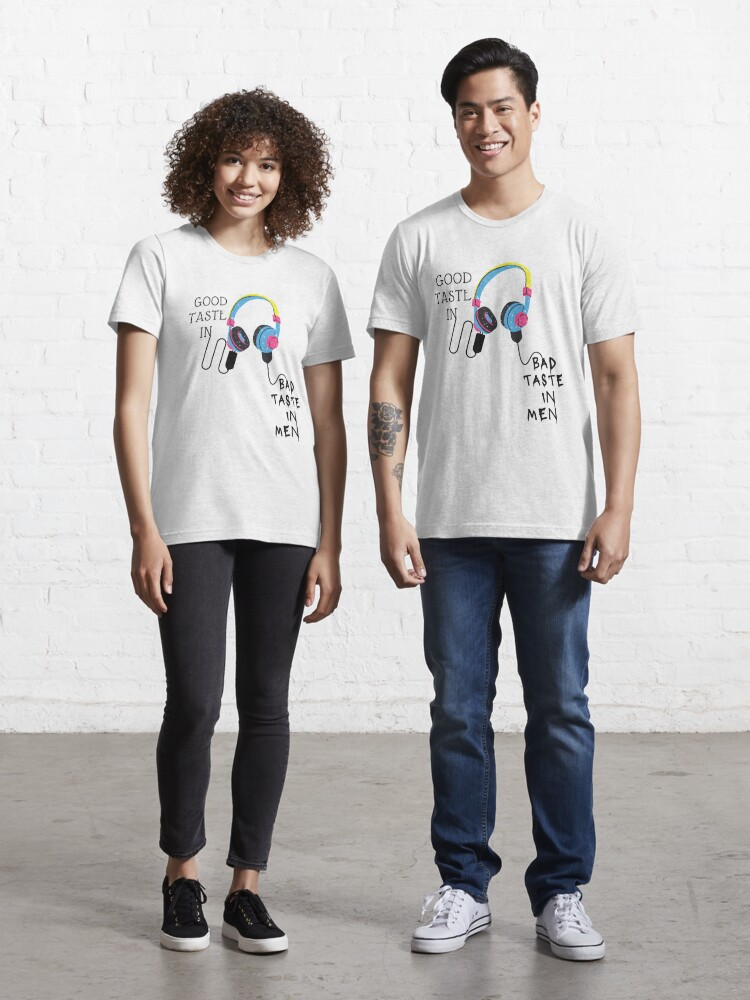
2. Know Your Audience
Consider who will be wearing your T-shirts. Are they intended for a particular age group, gender, or community? Knowing your target audience will help you create a design that resonates with them and captures their interest.
3. Brainstorm Ideas
Let your creativity flow by brainstorming design concepts. Explore various themes, styles, and visual elements that reflect your objective. Gather inspiration from art, nature, pop culture, or any other source that sparks your imagination.
4. Sketch Your Design
Once you have a clear vision of your design, start sketching it on paper. This step allows you to refine your concept, play with different layouts, and explore potential variations. Don’t worry about artistic perfection at this stage—focus on capturing the essence of your idea.
5. Get Feedback
Share your sketches with trusted friends, colleagues, or mentors to gather feedback. Their insights can provide valuable perspectives and help you refine your design further. Consider their suggestions while maintaining your creative vision.
Translating Your Design to Digital Format
After finalizing your design concept, it’s time to digitize it using graphic design software. This step prepares your design for the printing process. Follow these guidelines:
1. Choose the Right Software
Select a graphic design software that suits your skill level and design requirements. Popular options include Adobe Illustrator, Photoshop, and CorelDRAW. Familiarize yourself with the software’s tools and features to efficiently translate your design.
2. Create Vector Graphics
To ensure high-quality printing, work with vector graphics instead of raster images. Vector graphics are created using mathematical formulas and can be scaled infinitely without losing resolution. They produce crisp, sharp lines and shapes.
3. Define Colors
Choose your color palette carefully. Ensure that the colors you select are compatible with the printing method you’ll be using. RGB color mode is typically used for digital designs, while CMYK is commonly used for print.
4. Consider Typography
If your design includes text, pay attention to typography. Select fonts that complement your design and enhance readability. Ensure that the text is legible and appropriately sized for the T-shirt dimensions.
5. Save Your Design
Save your design file in a format that supports transparency, such as PNG or PDF. This will preserve any background transparency in your design and allow for easier integration with the printing process.
Choosing the Right Printing Method
With your digital design ready, it’s time to explore various T-shirt printing methods. Each method offers unique advantages and considerations. Here are some popular options to consider:
1. Screen Printing
Screen printing is a traditional and widely used method for T-shirt printing. It involves creating a stencil (or screen) for each color in your design and pressing ink through the screens onto the fabric. Screen printing is suitable for larger quantities and designs with solid colors or simple artwork.
2. Direct-to-Garment (DTG) Printing
DTG printing is a modern method that utilizes specialized inkjet printers to directly print the design onto the fabric. It offers the ability to reproduce intricate details, gradients, and a wide range of colors. DTG printing is ideal for smaller quantities and complex designs with multiple colors.
3. Heat Transfer
Heat transfer involves printing your design onto a special transfer paper or vinyl and applying heat to transfer it onto the fabric. This method is versatile and allows for detailed designs, photographs, and vibrant colors. Heat transfer is suitable for both small and large quantities.
4. Sublimation Printing
Sublimation printing uses heat to transfer ink onto synthetic materials such as polyester. The ink converts into gas and bonds with the fabric, resulting in a permanent and vibrant print. Sublimation printing is best suited for all-over designs and full-color artwork.
5. Embroidery
Embroidery adds texture and dimension to your T-shirt design by stitching the design onto the fabric using colored threads. It provides a premium and professional look, making it ideal for logos, monograms, or designs requiring intricate details.
Finding a Printing Partner
Once you’ve chosen the printing method that aligns with your design and budget, it’s time to find a printing partner to bring your vision to life. Consider the following factors when selecting a printing company:
1. Expertise and Experience
Look for a printing company with a track record of producing high-quality T-shirts. Check their portfolio, read customer reviews, and inquire about their experience with the specific printing method you’ve chosen.
2. Printing Options
Ensure that the printing company offers the specific printing method you’ve selected. Inquire about customization options, such as T-shirt styles, sizes, and color choices. A wide range of options allows you to cater to your target audience’s preferences.
3. Pricing and Turnaround Time
Obtain quotes from different printing companies and compare their pricing and turnaround times. Consider the balance between cost and quality. Remember that rushed orders may compromise the final result, so allow ample time for production.
4. Samples and Mock-ups
Request samples or mock-ups from the printing company to assess the quality of their work and ensure it aligns with your expectations. This step helps you make an informed decision and avoid any surprises when the final product arrives.
Unveiling Your Masterpiece
Once your personalized T-shirts are printed and ready, it’s time to unveil your masterpiece to the world. Consider these additional steps to ensure a successful launch:
1. Quality Control
Thoroughly inspect each printed T-shirt for any flaws or inconsistencies. Check for color accuracy, print placement, and overall print quality. Remove any defective pieces to maintain a high standard.
2. Packaging and Presentation
Pay attention to the packaging and presentation of your T-shirts. Use branded tags, labels, or packaging materials that align with your design and brand identity. A visually appealing presentation adds value to your product.
3. Marketing and Promotion
Create a marketing strategy to generate interest and sales for your personalized T-shirts. Leverage social media platforms, influencers, and targeted advertising to reach your target audience. Consider offering discounts or promotions to incentivize purchases.
4. Gather Feedback and Iterate
Once your T-shirts are in the hands of your customers, encourage them to provide feedback. Use their insights to improve future designs and enhance customer satisfaction. Iteration and continuous improvement are key to success.
Conclusion
Creating personalized T-shirts allows you to unleash your creativity and express yourself or your brand in a tangible and fashionable way. From planning your design to selecting the right printing method and finding a reliable printing partner, each step plays a crucial role in bringing your vision to life.